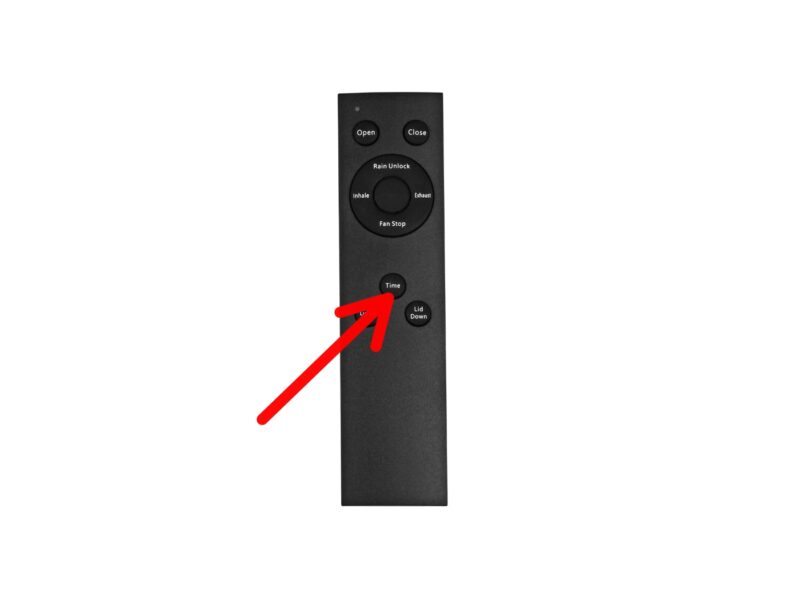
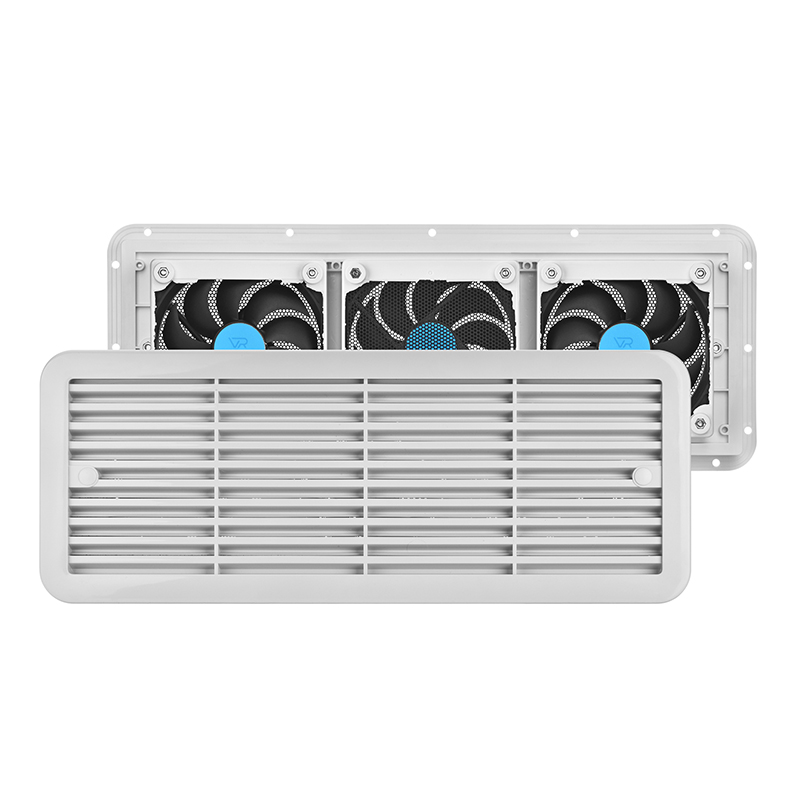
EcoSynic RV vent fan features four-option timer function.
The first option allows a timer setting of 1 hours.
The second option allows a timer setting of 2 hour.
The third option allows a timer setting of 3 hours.
The fourth option allows a timer setting of 4 hours.
How to Set the Timer function from EcoSynic RV vent fan?
When you turn on the Ecosynic vent fan, press the button repeatedly within 3 seconds to set the timer:
1 press – Activate timer function
2 presses – Set timer to 60 minutes
3 presses – Set timer to 120 minutes
4 presses – Set timer to 180 minutes
5 presses – Set timer to 240 minutes
6 presses – Cancel the timer function
If there is no additional press within 3 seconds after the first press, the timer mode will exit automatically and the indicator light will turn off.